

Submit a video
Make sure you have a good internet connection.
Service unavailable.
Video uploading is currently disabled. Previously transmitted videos remain accessible. Thank you for your understanding.
How to film yourself?
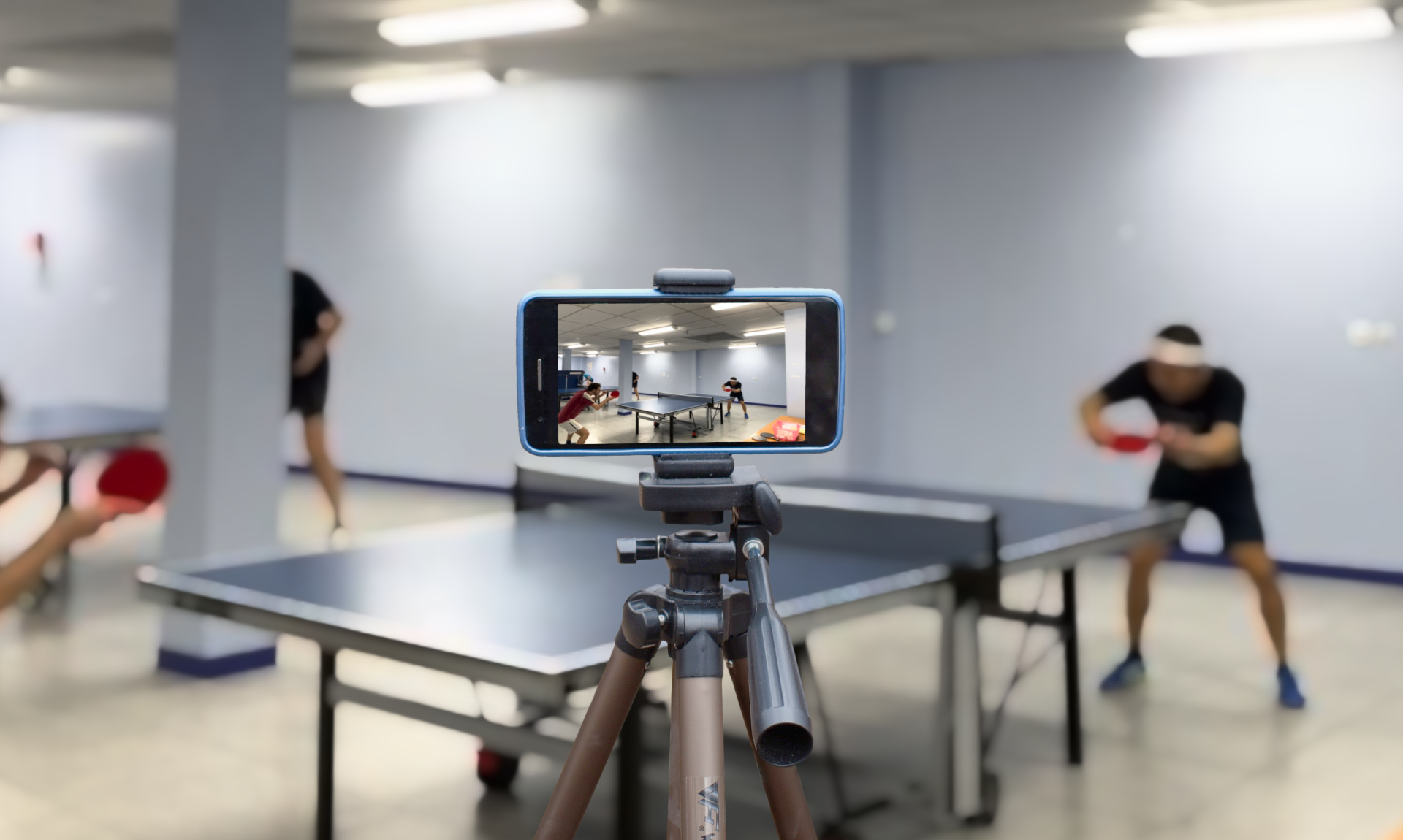
1. Position your smartphone
- You can use any device with a camera.
- The smartphone must be stable. Ideally, use a tripod (which you can get here, for example).
- Place your smartphone in line with the corner of the table as shown in the diagram. The right corner is preferable if both players are right-handed. Your smartphone must be at least 1.2 meters high to overlook the table. The ball must be visible at (almost) every moment during the point.
- Please record in "landscape" mode (placing the smartphone horizontally) rather than in "portrait" mode (vertically).
2. Start recording the video
- Use your smartphone's usual application to record. To widen the field, it may be useful to zoom out.
- It's better to stop and restart the video if you change sets or exercises. In any case, the size of the video file should not exceed 2 GB.
3. Upload the video
- Make sure you have a good internet connection. Wi-Fi is ideal but not essential.
- Go to Ping Hero, then 'Submit a video'. Stay on the page until the upload is complete.
4. Enjoy 😎
- Congratulations! We will send you an email as soon as your video is ready.
- Since our algorithm is still in the testing phase, we manually check its automatic interpretation of the video.
5. Dos and don'ts
- Send only videos which rights you hold, as per our terms and conditions.
- Ping Hero processes only videos that were recorded with a smartphone or another device - not screen recordings.
- No need to send us a video which points would have already been cut out: Ping Hero takes care of it!